Virtual card without document request, issued in seconds
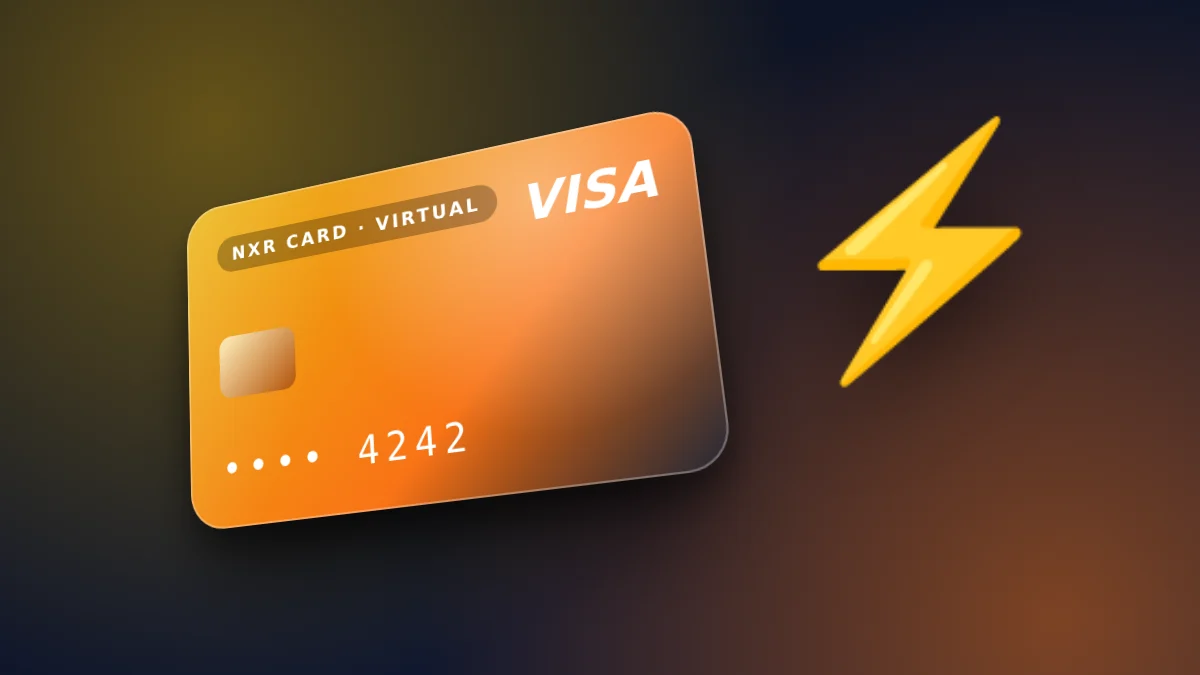
A virtual Visa card where the store does not request an identity document, issued in seconds after payment.
What no document request means
The store does not request an identity document to buy, load or use the card. You create an account with an email address and a password, and you pay with USDT from a wallet you control. The absence of a document request is a fact about this store's process, not a promise about every service you might use the card with.
Each merchant or platform has its own checks. A service that asks for verification before accepting a payment does so under its own rules, and the store cannot change those rules.
How the card is issued
After the network confirms the transfer, the card is issued in seconds, and its balance is available. The card is a Visa card that spends the balance you load, so its spending is limited to that balance.
Your first order is written as a single top-up of $10. The card price is taken from that amount, and the remainder is the spendable balance. Later top-ups are shown on the order page before you pay, with the same breakdown.
Using the card responsibly
Keep your account's login safe, because it is the way to see the card details again. Use the card only for services you have checked, and keep the receipts for each payment in one place.
What you need to start
You need an email address you can access, a password you will remember, and USDT in a wallet on BEP20. Nothing else is requested by the store before you pay, so the setup takes only the time it takes to fund the first top-up.
Keep the login details in a password manager. The login is how you see the card and its balance again, and it is the only account access the store uses.
Using the card where it is accepted
Check each service's payment page before you rely on the card. A service may ask for its own verification, which is separate from the store, and the store cannot remove that step on the service's side.
Keep a short list of the services where the card worked and where it did not. The list is the most practical guide for your next purchase.
Keeping the account secure
Use a strong, unique password for the store account, and do not share it with anyone. The password and your email address together control access to the card details, so treat them as the keys to the card.
Turn on your email provider's two-step sign-in if it offers one. That step protects the email that the store uses to reset your password.
Log out on shared computers, and check the account's balance and history after any unexpected message about a sign-in. A quick check catches a problem early.
Using the card with care
Use the card for the services you have checked, and keep a list of them. A list lets you see at a glance where the card works and where a service asked for its own checks. The store shows the final price in US dollars before you confirm, and the network and the amount are repeated on the payment screen, so you can check them against your wallet before you send anything.
If a service refuses the card, do not try many times in a row. Wait, check the reason it gives, and choose another payment method for that service if the refusal stands.
The steps
- Create your account with your email address and a password before you pay.
- Choose the first top-up. The minimum is $10, and the $4 card price comes from it.
- Send the exact amount in USDT on BEP20 to the address shown.
- When the network confirms the transfer, the card is issued and its balance is ready.
Prices and fees
| Virtual card price | $4 ($1 issuance + $3 network and secure payment processing) |
|---|---|
| First top-up (total) | $10 |
| Card price taken from first top-up | $4 |
| Spendable balance after first top-up | $6 |
| Other fees added later | None |
| Network | USDT on BEP20 |
| Identity document | Not requested |
| Instant card issuance | $1.00 |
|---|---|
| Network & secure payment processing | $3.00 |
🛡️ Zero Hidden Fees. Every dollar is shown above. The network and processing fee covers detecting your payment on the blockchain and issuing your card. The store adds no other fee later. If a technical error stops your card from being issued, the full amount returns to your wallet balance.
Does the store request an identity document?
No. The store does not request any identity document to buy, load or use the card.
What do I need to buy the card?
A USDT balance on BEP20 and an email address to create your account.
How fast is the card issued?
The card is issued in seconds after the payment is confirmed.
Can I use the card everywhere?
Yes: the card works on any website or ad platform that accepts Visa prepaid cards, and we pay our own Meta (Facebook and Instagram) ads with it. Each merchant decides what it accepts, so for a new site a small first payment is a good idea.
How much does it cost?
The card is $4. The first top-up is $10, with $6 spendable on the card after the card price.
How fast is a USDT payment, and is it safe?
The balance is credited after the network confirms the transfer. Send only on the network you chose, and check the address and amount before sending.
Does a service have to accept the card?
Yes: the card works on any website or ad platform that accepts Visa prepaid cards, and we pay our own Meta (Facebook and Instagram) ads with it. Each merchant decides what it accepts, so for a new site a small first payment is a good idea.
Create your account and fund the first card from the order form.
Open the order formOrder your virtual Visa card
The card is $4. Your first top-up is $10: the $4 card price is taken from it, made up of $1 issuance and $3 network and secure payment processing, and $6 becomes card balance. No other fee is added. USDT on BEP20. No identity document is requested.
Go to the order form for the virtual card