Virtual Visa card for online shopping
How a virtual Visa card works for online shopping: the balance, the networks, and what a merchant decides.
Where the card can be used
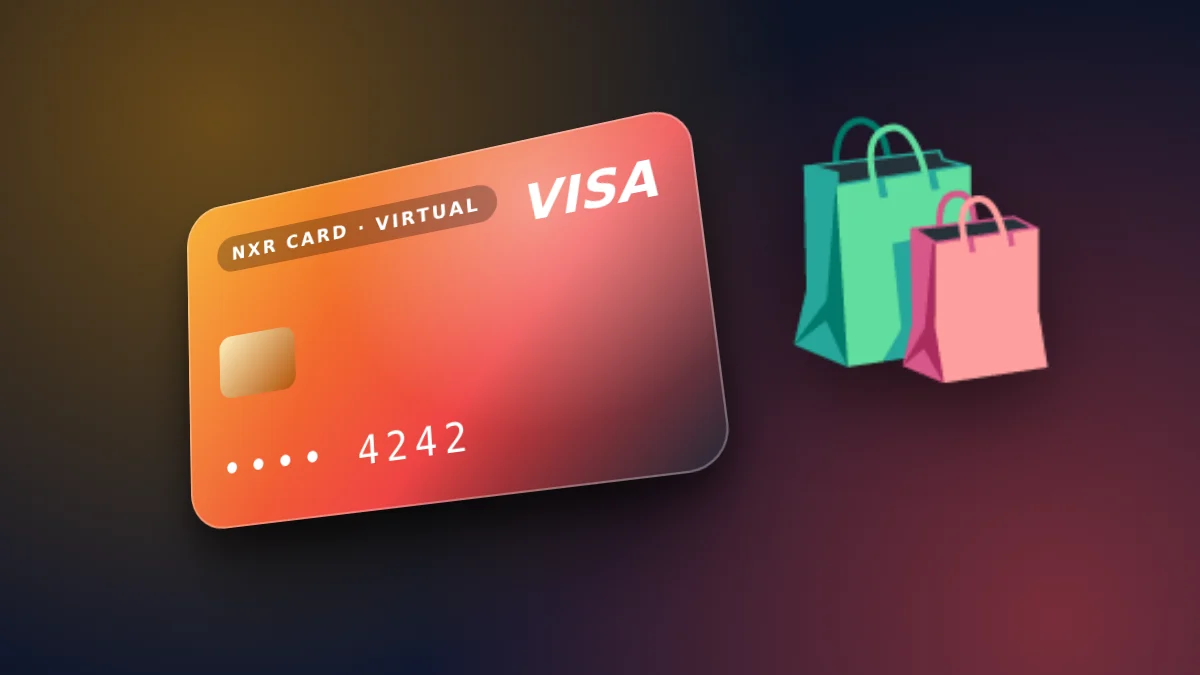
The card is a Visa card, so it can be used for online payments where Visa is accepted. Each merchant decides whether to accept it, and a merchant that accepts Visa may still decline a particular card. The store does not guarantee acceptance at any merchant.
If checkout shows an error, read the message. A declined payment is often a merchant or bank rule, and the card balance is not always the cause.
Spending within the balance
The card spends the balance you have loaded, so your spending is capped by that balance. Load what you plan to spend for the week or the month, and top up when you need more. This limit is useful for online shopping, because a purchase cannot exceed the balance.
Keep the order confirmations in one place, so you can match each purchase to the card and to the date.
Before you buy from a new merchant
Check the merchant's own terms for delivery, returns and refunds. A refund is the merchant's decision, and it may come back to the card or as a store credit depending on the merchant.
Returns, refunds and disputes
A refund is decided by the merchant under its own return policy. When a refund is approved, the merchant returns the money to the card or issues a credit, and the timing depends on the merchant's processing. Keep the order, the return request and the confirmation together.
If a merchant charges you for something you did not order, contact the merchant first with the order details. The store cannot reverse a payment to a merchant, so the merchant's support is the fastest route.
Checking the merchant before you pay
Look at the merchant's contact details, return policy and checkout page before you enter the card. A merchant that hides its address or contact page is a reason to stop, whatever payment method you use.
Use the card for one purchase at a time when the price is high, and keep the confirmation email with the order number. The confirmation is what you will need if the order does not arrive.
When a checkout is declined
A decline can come from the merchant, from the bank that issues the card, or from a balance that is too low. Read the message the checkout shows, check the card balance, and try again only when you know the reason.
Repeated attempts after a decline can trigger a fraud check at the merchant. Wait, check the reason, and contact the merchant's support if the decline does not explain itself.
Keeping delivery and refund records
Keep the order confirmation, the tracking number and the delivery date together. These three items answer most questions about a late or missing parcel, and they show the merchant what you ordered.
If a return is needed, follow the merchant's return steps exactly, and keep the return receipt. A refund cannot be matched without the receipt, so keep it until the refund appears on the card.
Note the refund amount and the date it appears. A refund that arrives in part or late is easier to raise with the merchant when the dates and amounts are written down.
Ordering from a new merchant
A first order from a new merchant deserves a little more care. Check the reviews on an independent site, send one support question before paying, and start with a modest order to learn how the merchant handles delivery and returns.
Record what you learned about the merchant in your notes. The notes help you decide the next order and warn others who use the same card.
The steps
- Check that the merchant accepts Visa cards at checkout.
- Load the card with the amount you plan to spend, not more.
- Pay at the merchant with the card number and the details shown in your account.
- Keep the order confirmation and check the balance after the purchase.
Prices and fees
| Virtual card price | $4 ($1 issuance + $3 network and secure payment processing) |
|---|---|
| First top-up (total) | $10 |
| Card price taken from first top-up | $4 |
| Spendable balance after first top-up | $6 |
| Other fees added later | None |
| Network | USDT on BEP20 |
| Identity document | Not requested |
| Instant card issuance | $1.00 |
|---|---|
| Network & secure payment processing | $3.00 |
🛡️ Zero Hidden Fees. Every dollar is shown above. The network and processing fee covers detecting your payment on the blockchain and issuing your card. The store adds no other fee later. If a technical error stops your card from being issued, the full amount returns to your wallet balance.
Where can I use the card?
Anywhere that accepts Visa online. Acceptance is decided by each merchant.
Is my spending limited?
The card spends the balance you have loaded on it.
How do I load it?
Choose BEP20 on the order page and send the exact amount shown.
Does the store request an identity document?
No. The store does not request any identity document.
How fast is a USDT payment, and is it safe?
The balance is credited after the network confirms the transfer, and confirmation time depends on the network. Check the network, address and amount before you send.
Can a merchant refuse a Visa virtual card?
Yes. Merchants decide which cards they accept, and the store cannot override that decision.
How do I check the balance before I shop?
Sign in to your account to see the current balance before you check out.
Load the card for your next purchase from the order form, with the amount and network shown before you pay.
Open the order formOrder your virtual Visa card
The card is $4. Your first top-up is $10: the $4 card price is taken from it, made up of $1 issuance and $3 network and secure payment processing, and $6 becomes card balance. No other fee is added. USDT on BEP20. No identity document is requested.
Go to the order form for the virtual card