USDT reload for a virtual Visa card
How to add USDT to your card balance on BEP20, and how to check the credit.
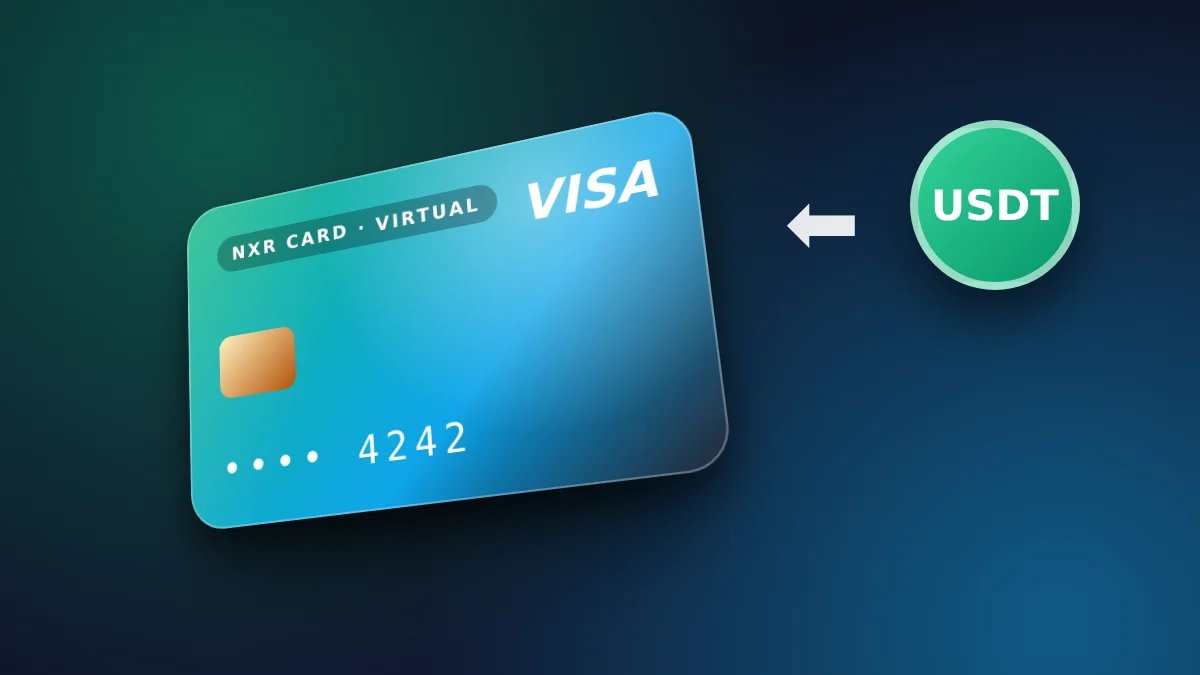
What a reload adds
Think of a reload as a deposit into a card you already hold. The card itself stays the same, its number and its settings do not change, and it simply has more to spend. Each reload is its own order with its own fee shown on the order page before you send.
Reloading is how you keep a card active for repeated charges. Plan the reload before the balance runs out, so a bill does not fail in the middle of a month.
When the balance is credited
The balance is credited after the network confirms the transfer. Confirmation depends on the network and its load at the time, so the time is not fixed. A transfer that is sent but not confirmed does not yet show in the balance, and that is normal.
Check the transfer in your wallet first. If it is confirmed and the balance has not changed after a reasonable wait, contact support with the transaction hash, the network and the amount.
Common reasons a reload is delayed
Most delays come from a small slip: a transfer on the other network, or an amount that differs from the one on the order page. Copy the address and the amount from the page itself each time, and check both once more in your wallet before you confirm.
Reloading before the balance runs low
A reload works best when it is planned before the balance drops under the next charge. Waiting until a payment fails adds a retry step, and some services will stop an account after a failed charge.
Keep a note of the balance after each reload. The note makes it easy to see how fast the card spends, and it shows the amount you need for the next month.
Keeping reload records
Record the date, the network, the amount sent and the transaction hash for every reload. A record that is complete from the first reload makes any question about the balance quick to answer.
Store the records where the card's owner and the person paying the bills can both find them. Shared records prevent a second top-up for a balance that was already funded.
Reloading with a schedule
A reload schedule works well for a card with a fixed monthly cost. Pick a date a few days before the largest charge, and reload on that date each month so the balance is ready before the charge is due.
If the cost changes, update the schedule and the amount together. A price rise on one service can be planned for in the same reload, rather than discovered when a payment fails.
Review the schedule every quarter. The review shows whether the amounts still match what the card pays for, and it is a simple way to keep the card funded without waste.
Checking the reload before you send
Before each reload, confirm the card reference, the network and the exact amount on the order page. Those three checks cost a minute and prevent most of the delays that users report. The store shows the final price in US dollars before you confirm, and the network and the amount are repeated on the payment screen, so you can check them against your wallet before you send anything.
After the reload is credited, compare the new balance with the amount you expected, and note any difference the same day, together with the reference of the transfer.
The steps
- Open your account and choose the amount you want to add to the card balance.
- Choose the BEP20 network and check the fee shown on the order page.
- Send the exact amount to the address shown for that network.
- Wait for the network to confirm the transfer, then check the card balance.
Prices and fees
| Virtual card price | $4 ($1 issuance + $3 network and secure payment processing) |
|---|---|
| First top-up (total) | $10 |
| Card price taken from first top-up | $4 |
| Spendable balance after first top-up | $6 |
| Other fees added later | None |
| Network | USDT on BEP20 |
| Identity document | Not requested |
| Instant card issuance | $1.00 |
|---|---|
| Network & secure payment processing | $3.00 |
🛡️ Zero Hidden Fees. Every dollar is shown above. The network and processing fee covers detecting your payment on the blockchain and issuing your card. The store adds no other fee later. If a technical error stops your card from being issued, the full amount returns to your wallet balance.
What does a USDT reload do?
It adds USDT to your account balance, which the store then uses to fund your virtual Visa card. The reload is credited after the transfer is confirmed.
How fast is the reload?
It is credited after the network confirms the transfer. Confirmation time depends on the network you use, so it is not fixed.
Which networks can I reload with?
USDT on BEP20 only.
What if the amount I send is different?
Send the exact amount shown on the order page, so the payment matches your order. Contact support with the transaction hash if it does not match.
Does the store request an identity document?
No. The store does not request any identity document to reload the balance.
How do I know the reload arrived?
Check your account balance after the network confirms the transfer, and keep the transaction hash.
Which network can I reload on?
BEP20. Choose the network on the order page and send only on that network.
Reload from your account, or start from the order form if you do not have a card yet.
Open the order formOrder your virtual Visa card
The card is $4. Your first top-up is $10: the $4 card price is taken from it, made up of $1 issuance and $3 network and secure payment processing, and $6 becomes card balance. No other fee is added. USDT on BEP20. No identity document is requested.
Go to the order form for the virtual card