How to reload a virtual card with crypto, and when the balance is credited
A reload adds USDT to your card balance. This guide explains the steps, the confirmation wait, and what to do when the balance does not show.
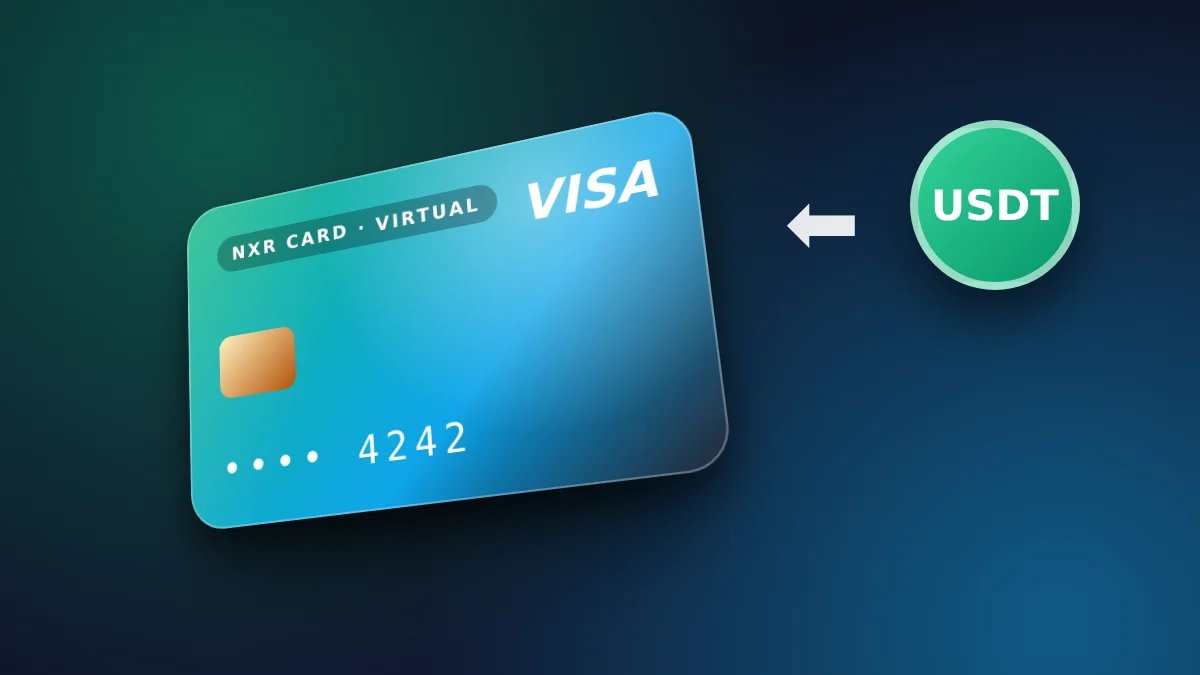
What a reload does
A reload adds USDT to the balance of a card you already have. The card then spends from that balance. The reload does not change the card itself, and it does not repeat the first top-up. Each reload is a separate payment, shown on the order page before you send.
Because the balance is what the card spends, reloading is the way to keep a card active for ongoing payments. Plan the reload before the balance runs out, so a bill does not fail in the middle of a month.
When the balance is credited
The balance is credited after the network confirms your transfer. The confirmation time depends on the network and on its load at that moment, so it varies. A transfer that has been sent but not confirmed does not yet show in your balance, and that is normal.
Check the transaction in your wallet first. If it shows as confirmed and the balance still does not change after a reasonable wait, contact support with the transaction hash, the network and the amount.
Common reasons a reload is delayed
The most common delay is a transfer sent on the wrong network or with the wrong amount. The order page shows one address per network and one exact amount, so copy both carefully. A second cause is a wallet that sends a fee in a different token, which can leave the transfer below the amount needed.
Keep the hash and the screenshot of the confirmation. Those two items are the fastest way to resolve a delayed reload.
Planning reloads around your spending
A reload works best when it is planned. Look at the charges you expect over the next month, including renewals and campaign spend, and add them up. Load the card with that total plus a margin, so a single unexpected charge does not leave the card empty.
Reloading in small amounts more often gives you more control, but each reload is a separate payment with its own network fee. Reloading less often in larger amounts reduces the number of payments. Choose the rhythm that fits your spending, and check the fee on the order page before each reload.
If a reload is urgent, send it on the network that confirms fastest for you at that time, and keep the transaction hash. A confirmed transfer is the strongest evidence if the balance needs checking later.
When a reload is not the right step
A reload adds balance to a card you already have. It does not fix a declined payment that happened for another reason, such as a merchant rule, an expired billing method, or a mismatch in the card details entered at the merchant. Check the reason the merchant gave before you reload, because adding balance does not change the merchant's decision.
If you need a different card, for example because a card was used for a different account, create a new card rather than moving balance between cards. Each card has its own balance and its own record, which keeps your spending clear.
Plan the last reload of each month before the statement period closes, so the balance covers the charges of the next cycle. A card reloaded on the day a charge arrives can still lose a payment if the confirmation takes longer than expected.
A reload that is planned around the statement date is usually the cheapest to manage.
The steps
- Open your account and choose the amount you want to add to the card balance.
- Choose the BEP20 network and check the fee shown on the order page.
- Send the exact amount to the address shown, on the network you chose.
- Wait for the network to confirm the transfer, then check the balance in your account.
Prices and fees
| Virtual card price | $4 ($1 issuance + $3 network and secure payment processing) |
|---|---|
| First top-up (total) | $10 |
| Card price taken from first top-up | $4 |
| Spendable balance after first top-up | $6 |
| Other fees added later | None |
| Network | USDT on BEP20 |
| Identity document | Not requested |
| Instant card issuance | $1.00 |
|---|---|
| Network & secure payment processing | $3.00 |
🛡️ Zero Hidden Fees. Every dollar is shown above. The network and processing fee covers detecting your payment on the blockchain and issuing your card. The store adds no other fee later. If a technical error stops your card from being issued, the full amount returns to your wallet balance.
Can I reload a card with crypto?
Yes. Reload with USDT on BEP20, sent to the address shown on the order page.
When is the balance credited?
After the network confirms your transfer. The confirmation time depends on the network.
Is there a fixed reload fee?
The fee for each top-up is shown on the order page before you pay. Check it there before you send.
What if the balance does not appear?
Check the transaction in your wallet. If it is confirmed and the balance still does not change, contact support with the hash.
Do I need an identity document to reload?
No. The store does not request an identity document.
Which network can I reload on?
BEP20. Choose the network on the order page and send only on that network.
Reload from your account, or start from the order form if you do not have a card yet.
Go to the order formOrder your virtual Visa card
The card is $4. Your first top-up is $10: the $4 card price is taken from it, made up of $1 issuance and $3 network and secure payment processing, and $6 becomes card balance. No other fee is added. USDT on BEP20. No identity document is requested.
Go to the order form for the virtual card