Paying for SaaS and AI tool subscriptions with a prepaid virtual card
Many software and AI subscriptions take Visa cards. This guide shows how to check acceptance, set a monthly balance, and keep your billing clean.
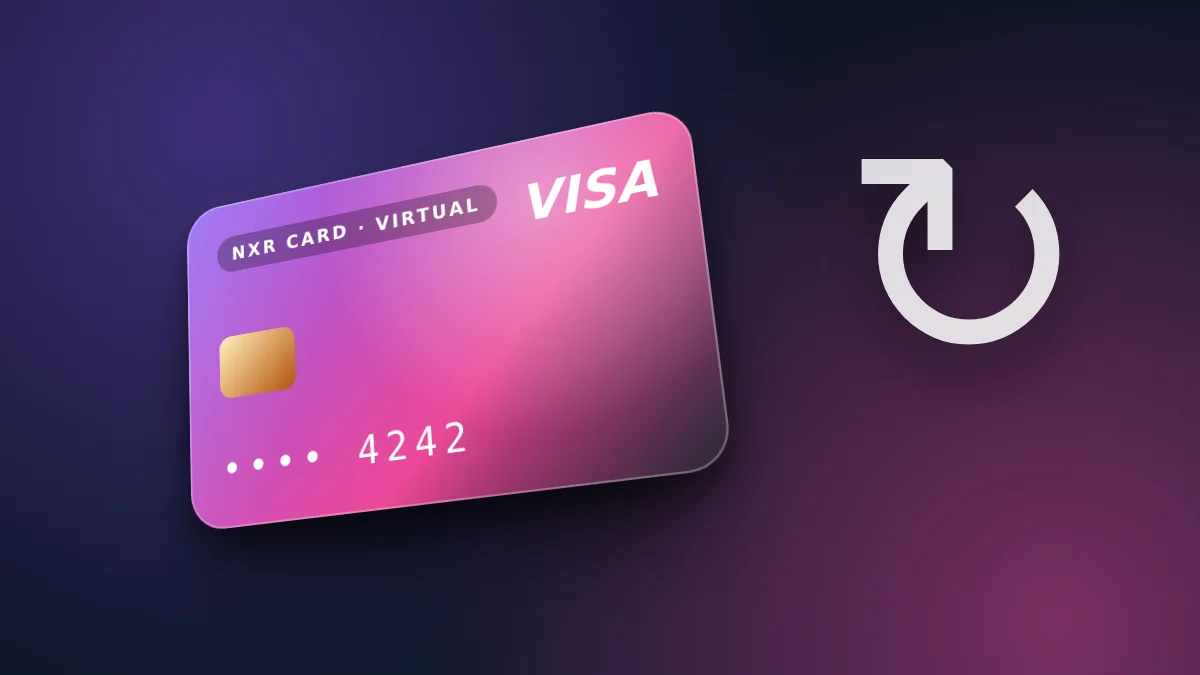
Check whether the service takes the card
Most software and AI services show the payment methods they accept on their billing page. A prepaid virtual Visa card can pay those services where Visa is accepted. Check the method list before you subscribe, and try the payment with the smallest plan first if the service allows it. The store shows the final price in US dollars before you confirm, and the network and the amount are repeated on the payment screen, so you can check them against your wallet before you send anything.
Acceptance is decided by the service. The store does not guarantee that any particular service accepts the card, and a service can change its methods at any time.
Read the terms before you subscribe
Every subscription has terms for billing, renewal and cancellation. Read them before you pay, especially the renewal date and any trial period that turns into a paid plan. A prepaid card only pays what its balance covers, so a renewal can fail if the balance is short. That is safer than an unlimited card, but it means you need to top up on time.
Keep a copy of the subscription's terms and the confirmation email. If you need to cancel, the cancellation rules belong to the service, and they are not changed by the card.
Set a monthly routine
Load the card with the monthly amount of each subscription, plus a margin for a price rise. Put the renewal dates in your calendar, and top up a few days before each one. Review the list of subscriptions every month, and cancel what you no longer use.
Using one card for several tools makes the monthly review harder. Two cards, one for work tools and one for personal tools, keep the records simple.
Annual plans, free trials and price changes
Annual plans look cheaper per month, but they take a larger balance on one day. Before you choose an annual plan, make sure the card holds the full annual amount, and that the balance will still be there on the renewal day. If the plan renews on a day you do not expect, the service's billing page shows the exact date.
Free trials often ask for a card at sign-up and turn into paid plans when the trial ends. Set a reminder a few days before the trial ends, and decide whether to keep the plan. Remember that the card only pays what its balance covers, so a trial that converts can fail if the balance is empty.
Services can change their prices with notice. When a price rises, the card balance may need to rise with it. Check the new amount when you receive the notice, and top up the card before the next renewal.
Business use, invoices and team accounts
Many software and AI tools are used by teams, and their invoices need the company's name and tax details. Before you subscribe for a business, check whether the service issues invoices in the company's name, and whether it lets you add a billing contact. Those details belong to the service, and the card does not change them.
If several people need access to one tool, decide who holds the card and who receives the invoices. A shared card with a clear owner, and a written record of each renewal, avoids the common problem of a subscription that nobody remembers paying for.
Keep the receipt for every renewal in one folder, named by service and month. When a service changes its plan or its price, the folder shows what you paid before and after, which makes the decision to keep or cancel much easier to make.
The steps
- Check that the software or AI service accepts Visa cards in its billing page.
- Read the service's terms for billing, renewal and cancellation.
- Load the card with the monthly amount the subscription needs, plus a small margin.
- Review the subscription each month, and top up the card before the renewal date.
Prices and fees
| Virtual card price | $4 ($1 issuance + $3 network and secure payment processing) |
|---|---|
| First top-up (total) | $10 |
| Card price taken from first top-up | $4 |
| Spendable balance after first top-up | $6 |
| Other fees added later | None |
| Network | USDT on BEP20 |
| Identity document | Not requested |
| Instant card issuance | $1.00 |
|---|---|
| Network & secure payment processing | $3.00 |
🛡️ Zero Hidden Fees. Every dollar is shown above. The network and processing fee covers detecting your payment on the blockchain and issuing your card. The store adds no other fee later. If a technical error stops your card from being issued, the full amount returns to your wallet balance.
Can I pay software or AI subscriptions with the card?
Where the service accepts Visa cards. Each service decides which methods it accepts.
What if a renewal fails?
A renewal can fail if the balance is too low. Top up the card before the renewal date, and check the service's billing history.
How do I start with a small amount?
The card costs $4 and the first top-up is $10, leaving $6 of balance for the first month of a small plan.
Which networks can I fund the card with?
USDT on BEP20. Choose the network on the order page.
Does the store guarantee acceptance?
Yes: the card works on any website or ad platform that accepts Visa prepaid cards, and we pay our own Meta (Facebook and Instagram) ads with it. Each merchant decides what it accepts, so for a new site a small first payment is a good idea.
Do I need an identity document?
No. The store does not request an identity document.
Start with the amount your first subscription needs. The order form shows the breakdown before you pay.
Open the order formOrder your virtual Visa card
The card is $4. Your first top-up is $10: the $4 card price is taken from it, made up of $1 issuance and $3 network and secure payment processing, and $6 becomes card balance. No other fee is added. USDT on BEP20. No identity document is requested.
Go to the order form for the virtual card